
Introduction
A plugin for Mortal Kombat 11 which allows to change blood color for everyone.
Screenshots



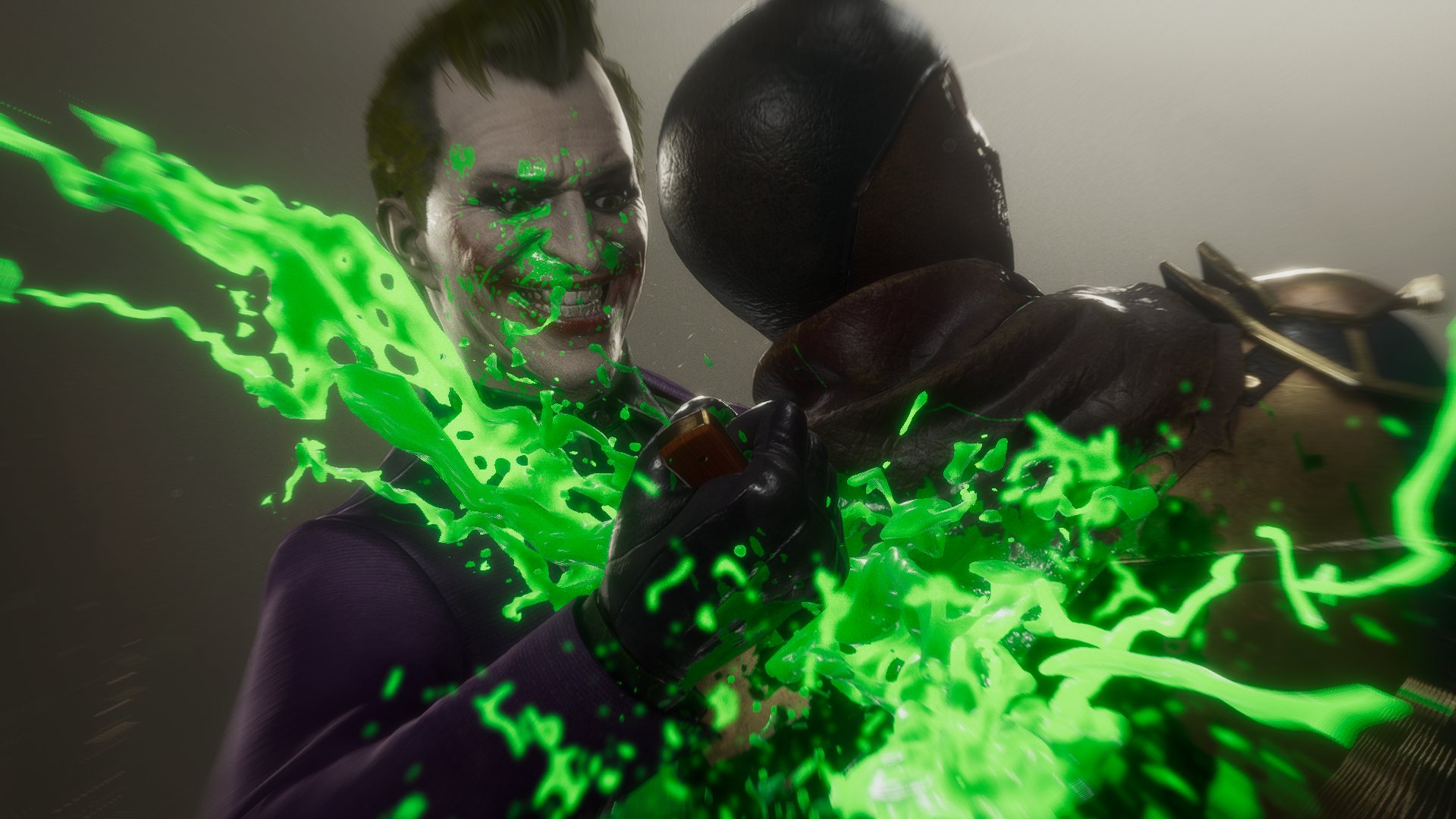

Download
Download (Standalone) Download (MK11Hook Version)
Source
Installation
Standalone
Extract BloodCustomizer.zip to Binaries\Retail folder of Mortal Kombat 11.
If you are not sure how to find your Mortal Kombat 11 folder, search for it in your Steam library then right click on the entry and select Manage->Browse local files.
Archive breakdown:
- dinput8.dll - Ultimate ASI Loader
- BloodCustomizer.asi
- BloodCustomizer.ini - configuration file
Plugin version
Install MK11Hook. Version 0.6.0 and higher is required.
Extract BloodCustomizerEHP.zip to Binaries\Retail folder of Mortal Kombat 11.
If you are not sure how to find your Mortal Kombat 11 folder, search for it in your Steam library then right click on the entry and select Manage->Browse local files.
Archive breakdown:
- BloodCustomizer.ehp - mod itself
- BloodCustomizer.ini - configuration file
Open up the MK11Hook menu and you will see a new plugins tab with Blood Customizer section which allows to tune colors during gameplay.
Usage
If installed correctly, you will immediately notice blood color change. The default color is light blue.
Configuration
BloodCustomizer can be configured using BloodCustomizer.ini file - you can open it with any text editor.
Each color value accepts values from 0 to 255.
Default is 0, 30, 140.
If using the MK11Hook version, you can configure colors visually in the added plugin tab.